
Storefront · Starter plan and above
Search by Date widget
A storefront search where customers choose their date, duration, delivery method and size, then see only the dresses available.
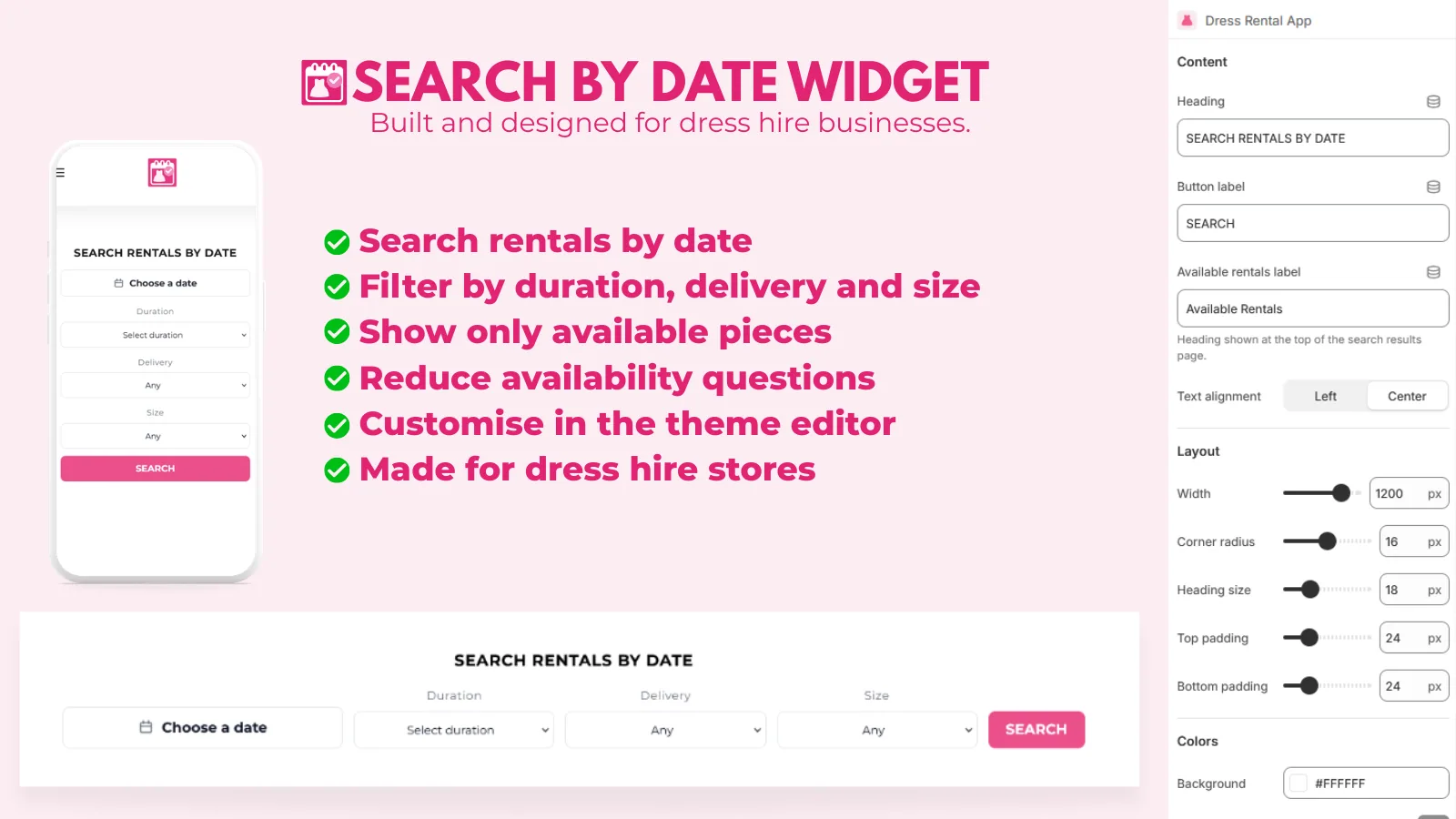
Set it up
- Go to Booking Fields & Add Ons → Search by Date.
- Start with a preset: Preset 1, Image hero, Split hero, Editorial hero, Card layout or Popup icon.
- Adjust the Search bar content labels and the Search bar style (width, height, spacing, corners and colours).
- For hero layouts, add Hero content: images or video, heading and buttons.
- Under Mobile behaviour, choose whether phones show a search icon that opens the search panel.
- Save. Your settings sync to the theme block.
- Click Open theme editor and add the Search by Date app block to a section, for example on your home page.
Advanced users can add Custom CSS, scoped to .dr-search-widget.
Search by Date isn't included on the Free plan. The block only appears in the theme editor on Starter or above.