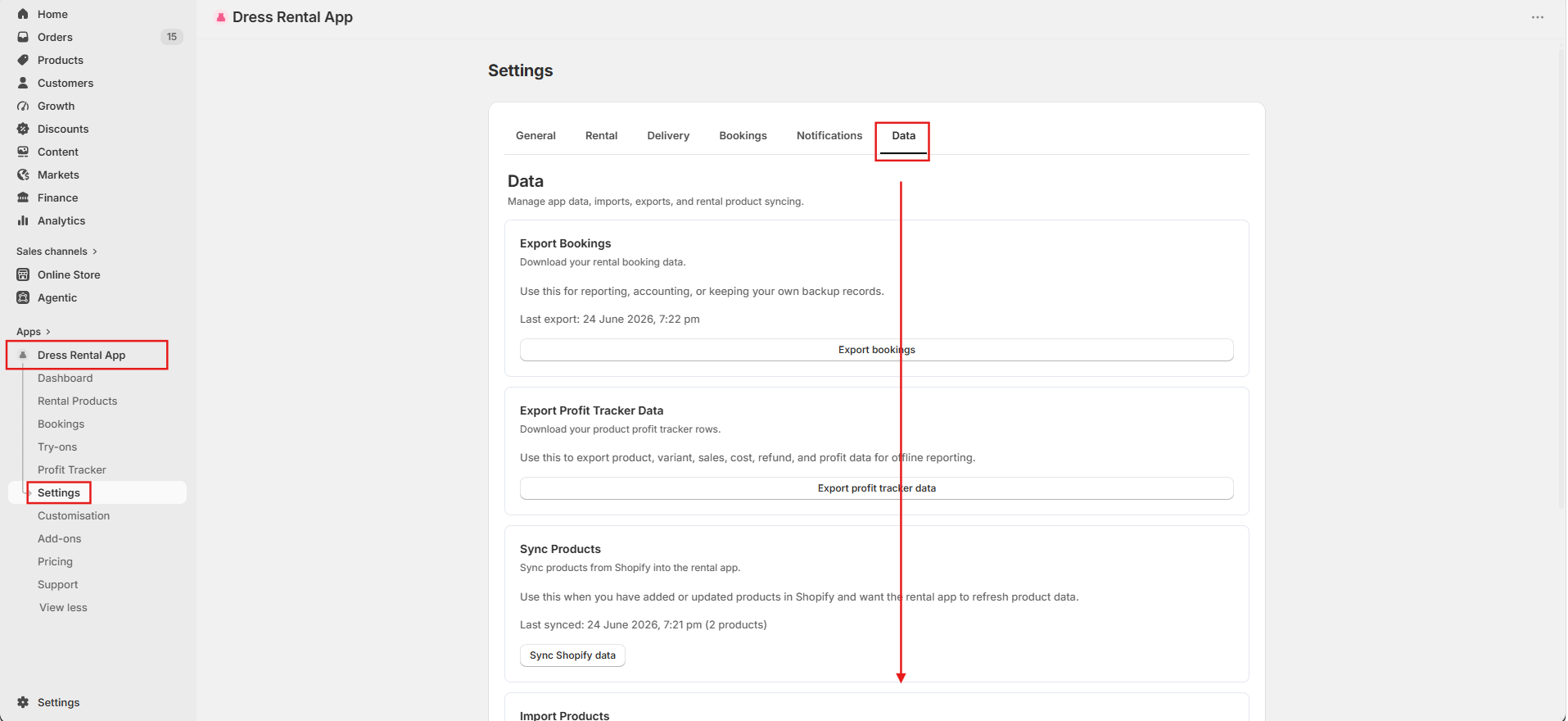
Settings → Data
Data tools
Imports, exports and maintenance tools for your rental data.
- Export Bookings
- Download your booking data for reporting, accounting or backups.
- Export Profit Tracker Data
- Download product, variant, sales, cost, refund and profit data.
- Bulk Rental Inventory CSV
- Update rental quantities in bulk. Guide
- Import Orders
- Bring in current bookings from Shopify or another rental app. Guide
- Sync Products
- Click Sync Shopify data after changing an imported product's title, image, price or variants in Shopify. It won't add or remove products.
- Automatic Product Import
- Add new Shopify products automatically. Guide
- Import Products
- Bulk import by Shopify product type. Guide
- Add Duration Options to Shopify Products
- Add Duration variants to imported products in bulk. Guide
- Link Bookings To Existing Shopify Orders
- Recreate missing bookings from past Shopify rental orders, for example after a reset. It won't create duplicates.
- Customer Data Requests
- Fulfil Shopify customer privacy requests. Guide
- Reset App Data
- Clear selected data, such as all rental products or all try-on appointments. Only for testing or starting over. It never deletes your Shopify products.