Bookings · Settings → General
Holiday mode
Stop all new bookings across your store for one or more date ranges, for example over Christmas or while you're away.
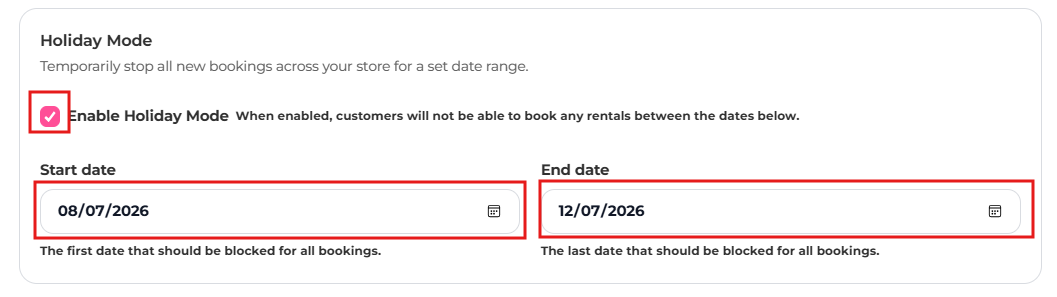
- Go to Settings → General and find Holiday Mode.
- Tick Enable Holiday Mode.
- For each closure, add a range with a Holiday name, a Start date (the first date blocked) and an End date (the last date blocked).
- Save. Customers can't book any rentals during those ranges.